

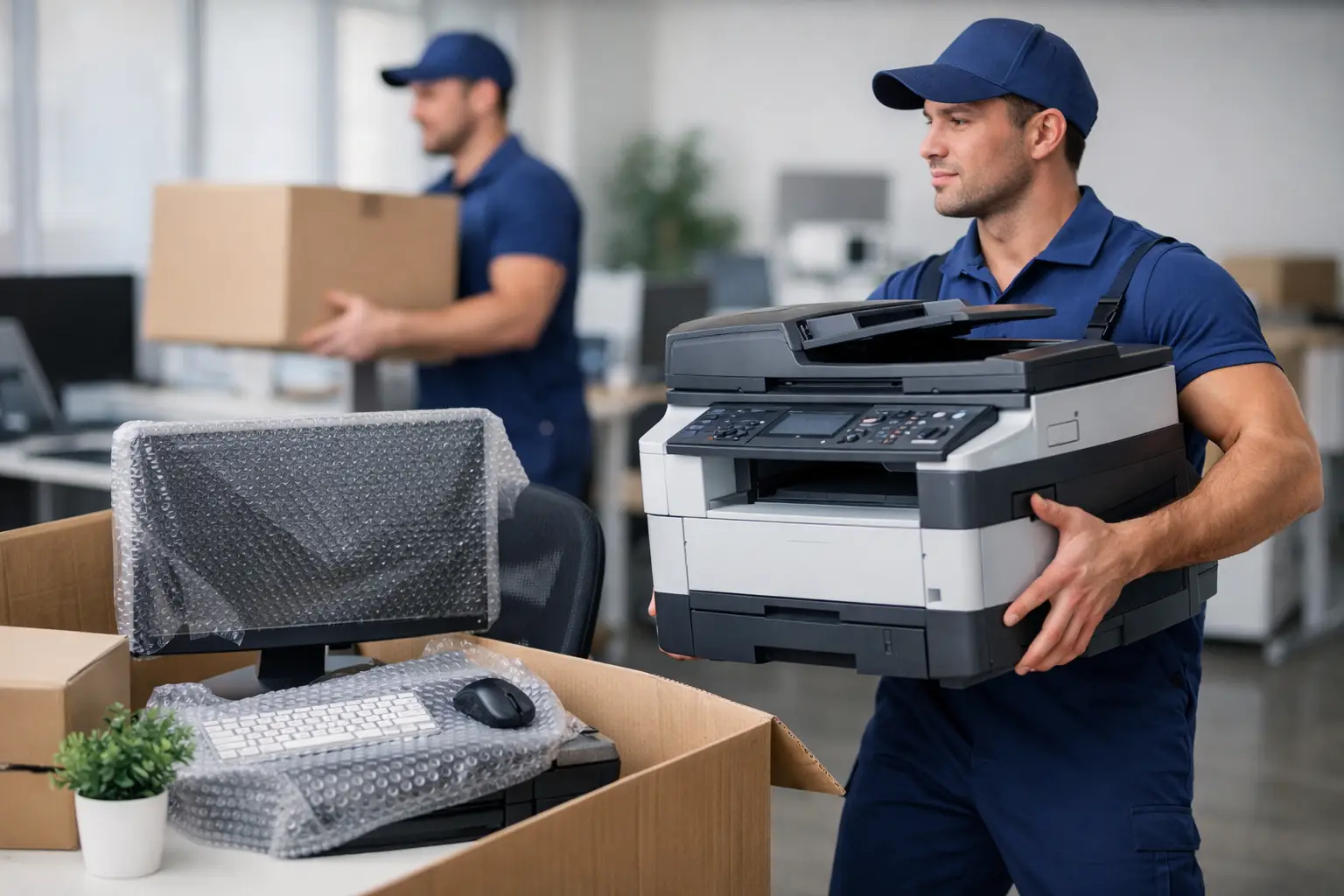
A single overlooked server, unlocked filing cabinet, or desk with loose monitor arms can delay an entire office move. That is why the question, can movers relocate office equipment, is less about whether a truck can carry it and more about how the move is planned, packed, and coordinated.
Professional movers can relocate most office equipment, including desks, chairs, filing cabinets, printers, monitors, conference-room furniture, boxed records, and properly prepared electronics. However, some items require separate IT support, specialty handling, manufacturer-approved crating, or arrangements with the building. Knowing where those lines are before moving day protects your equipment and helps your team get back to work sooner.
Can Movers Relocate Office Equipment?
Yes, in most cases. Commercial movers routinely handle the physical relocation of office furniture, supplies, and equipment. They can disassemble modular desks, wrap chairs and tables, protect monitors, move printers, and place labeled items in the correct rooms at the new location.
The level of service depends on the moving company, the equipment involved, and the details of the building. A small office with workstations and standard furniture may need straightforward packing and transport. A medical office, design studio, law firm, warehouse office, or company with servers and large-format printers may need a more detailed plan.
Movers are generally responsible for safely transporting the items included in the agreed scope of work. They are not automatically responsible for disconnecting network equipment, reinstalling software, reconnecting servers, or confirming that a copier works after setup. Those tasks often belong to your internal IT team, a managed IT provider, or an equipment technician.
What Office Items Movers Commonly Handle
Most office moves involve a mix of furniture, technology, records, and shared supplies. Movers can usually relocate desks, office chairs, tables, shelving, whiteboards, cabinets, reception furniture, boxed files, break-room items, and standard computer accessories.
Desktop computers, monitors, keyboards, docking stations, and phones can also be moved when they are prepared correctly. Each employee should pack personal items and loose accessories, while the move coordinator keeps a clear record of which technology belongs at each workstation. A labeled monitor is easier to place correctly than a monitor identified only by a sticky note that falls off during transport.
Larger equipment deserves advance discussion. This may include commercial printers, copiers, plotters, safes, specialized production equipment, lab devices, or high-value AV systems. Some items are too heavy for standard handling, require a technician to secure internal components, or need special equipment such as a lift gate, stair climber, or custom crate.
A professional moving quote should identify these items early. Surprises on moving day can affect crew size, equipment requirements, scheduling, and cost.
The Difference Between Moving Equipment and Managing IT
This distinction prevents many office-move problems. Movers can carefully carry packed and protected technology, but IT teams manage the technical side of the transition.
Before the move, your IT provider should document the current setup, photograph rack connections if needed, back up critical data, and identify equipment that cannot be shut down without planning. They should also disconnect servers, network switches, routers, cables, and phone systems unless the moving provider specifically confirms that technical disconnection is included.
At the new office, IT staff can reconnect and test systems after furniture and equipment are placed. This sequence matters. There is little value in setting up a workstation before the desk is in its final location, and there is no reason to power up a server until it has reached a stable, suitable environment.
For businesses with sensitive data, create a chain-of-custody plan for laptops, portable drives, paper files, and backup devices. You may decide that employees carry certain devices themselves or that a designated manager transports them separately. The right approach depends on your security policies, insurance requirements, and the value of the data involved.
Prepare Office Equipment Before Moving Day
The best office moves start with an inventory, not a pile of unmarked boxes. Walk through the current workplace and separate items into four groups: moving, recycling, donating, and disposing. Removing unwanted furniture and obsolete electronics before the movers arrive reduces volume and avoids paying to transport items you no longer need.
Create labels that identify both the item and its destination. A useful label might include the employee name, department, new office number, and workstation position. For shared areas, use clear destination labels such as “conference room,” “reception,” or “finance files.”
Technology needs additional preparation. Shut down computers properly, remove discs and USB devices, and secure loose cables. Take photos of complicated workstation setups before disconnecting them. Place each employee’s cables, adapters, keyboard, mouse, and docking station in a labeled bag or box that travels with their equipment.
Use the following checklist for a smoother handoff to the moving crew:
- Confirm which furniture will be disassembled and reassembled.
- Identify heavy, oversized, fragile, or high-value equipment.
- Back up business data and arrange IT disconnection and reconnection.
- Label every item with a destination at the new office.
- Empty filing cabinets unless the mover confirms they can be transported full.
- Reserve elevators, loading areas, and parking access with both buildings.
Do not leave confidential documents, cash, keys, passwords, or personal valuables in desks or cabinets. These items should be secured by your organization rather than packed with general office contents.
Building Access Can Shape the Entire Move
A well-packed office can still face delays if loading access has not been arranged. Many commercial buildings have specific move hours, elevator reservations, loading dock rules, insurance certificate requirements, and limits on where moving trucks can park.
Ask the property manager at both locations what is required. Find out whether protective floor coverings are needed, whether elevators must be padded, and whether there are time restrictions for noisy work. In busy areas of Metro Vancouver, access planning can be especially relevant where loading zones and elevator windows are limited.
Share this information with the moving company before the quote is finalized. A crew that expects a ground-level move may need a different plan if the new office is on an upper floor with a narrow elevator and a short booking window.
Questions to Ask Before Booking Office Movers
A commercial moving provider should be able to explain what is included, what requires specialty service, and what your team must prepare. Ask whether packing materials, disassembly, reassembly, equipment protection, and placement by room are included in the estimate.
It is also reasonable to ask how the company handles monitors, computers, printers, filing cabinets, and fragile electronics. Confirm the coverage options available for your move and whether there are exclusions for certain types of equipment. If you have servers, safes, medical devices, or large production machines, ask directly whether the company can move them or whether a specialist is needed.
For an office that must remain operational, discuss timing. Some businesses move after hours, over a weekend, or in stages so departments can continue serving clients. A phased move may cost more than one move day, but it can be the better choice when downtime would be expensive or disruptive.
Plan for the First Day in the New Office
Moving day is only one part of an office relocation. Before the crew arrives, decide who will direct placement at the new location. Give that person the floor plan, destination labels, and authority to make quick decisions when conditions differ from the original plan.
Set up essential areas first: reception, internet and network equipment, leadership workspaces, customer-facing rooms, and teams with immediate operational needs. Keep a small move-day kit available with keys, access cards, chargers, tape, markers, basic tools, cleaning supplies, and printed contact information.
After delivery, inspect high-value items before the crew leaves and note any concerns promptly. Then allow IT to complete its testing before employees settle in. A short verification process can catch missing cables, mislabeled equipment, or furniture placed in the wrong department before those details become a larger disruption.
A carefully scoped quote and a clear equipment plan turn an office move from a stressful interruption into a manageable project. MoveMate can help businesses coordinate the moving side of that plan, so your team can focus on reopening the new workspace with the essentials in place.

